Display Name Customization
You can choose how your display name appears on your page with three options: Text, Logo, or Hidden.
All display name option adjustments can be made in the Appearance section of your Page Editor. From there, you can switch between the three display options at any time.
Text (Default)

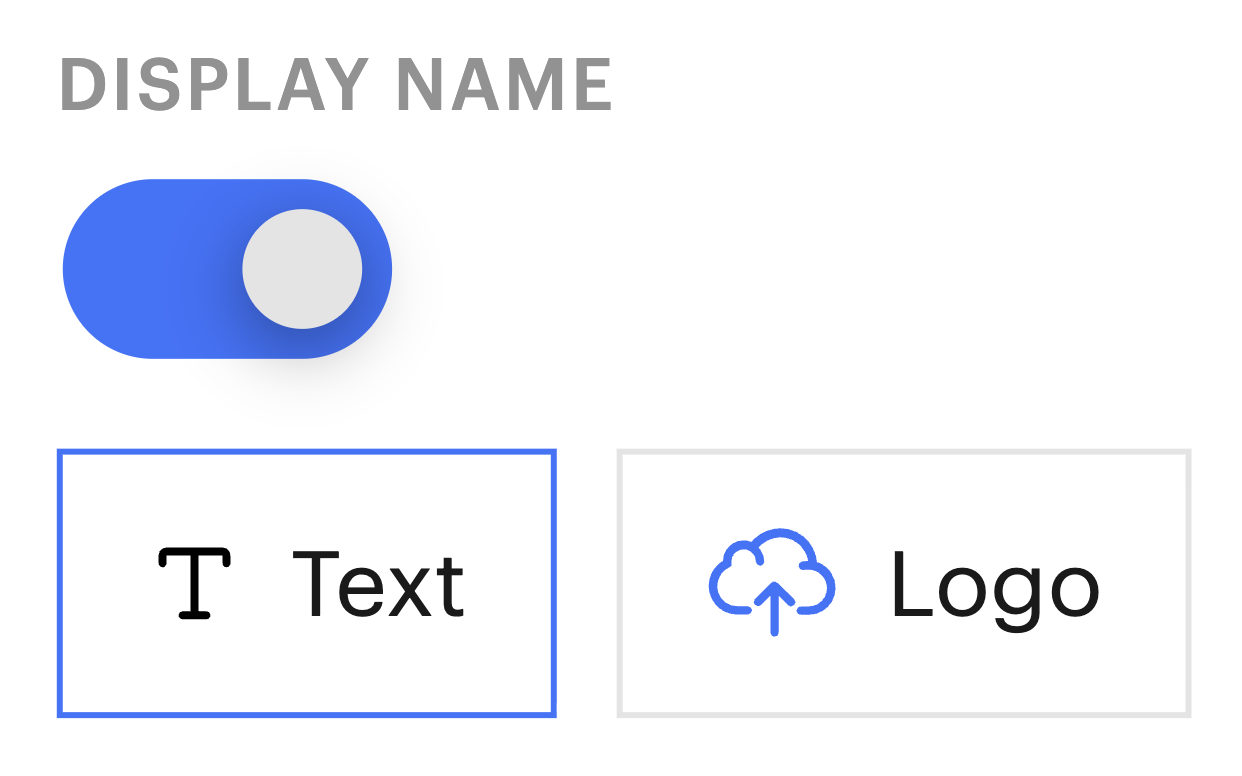
To use a text display name, turn the Display Name toggle on and select the Text option. Text display names will use your page's current font.
Logo (Wordmark)
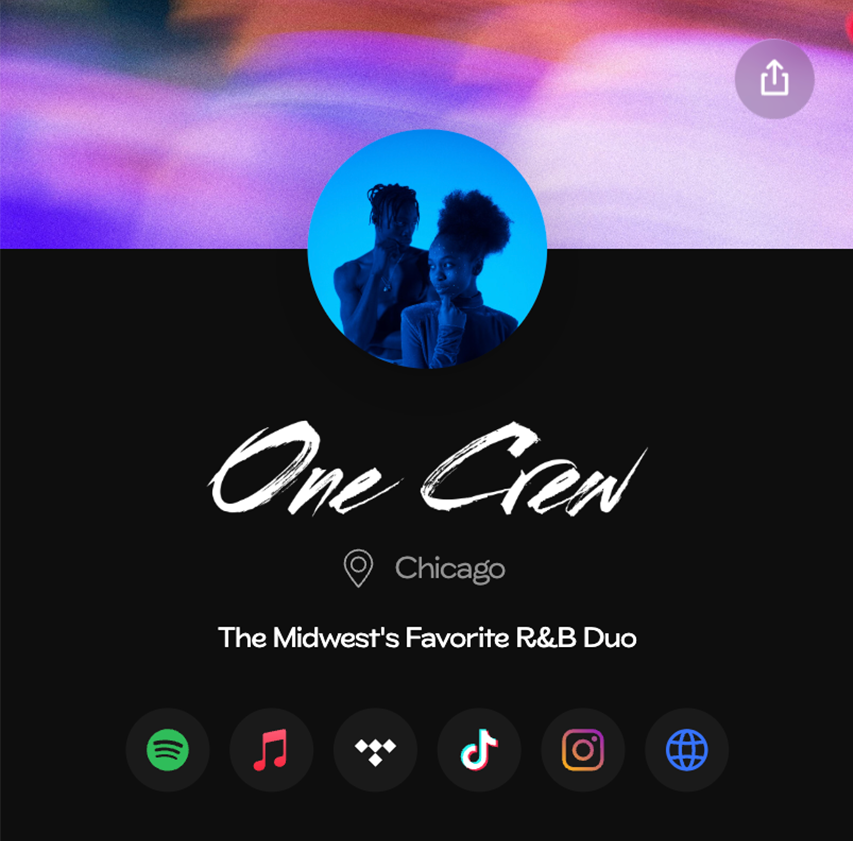
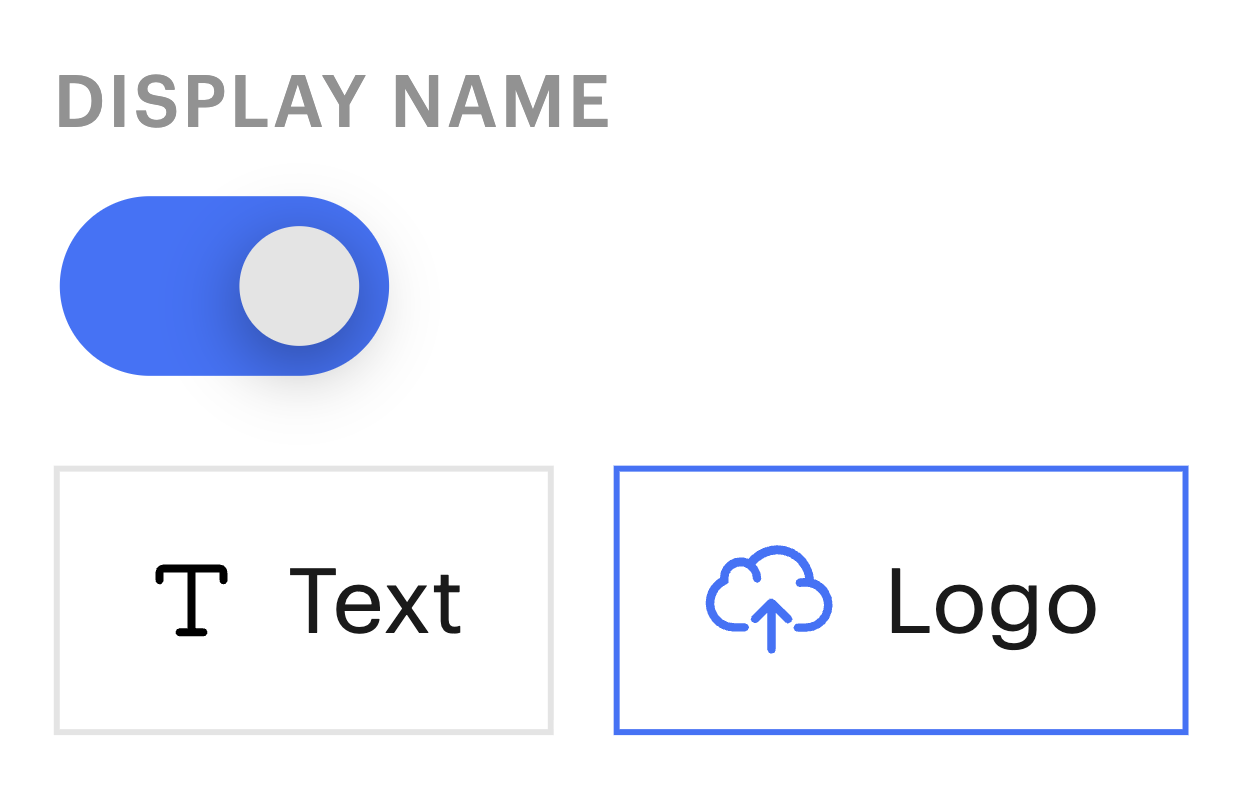
To use a logo display name (commonly known as a wordmark), turn the Display Name toggle on and select the Logo option.
Once selected you can upload a PNG, GIF, or WebP image that will be shown in place of your text display name on your page. This feature is available for the Professional Plan.
Hidden
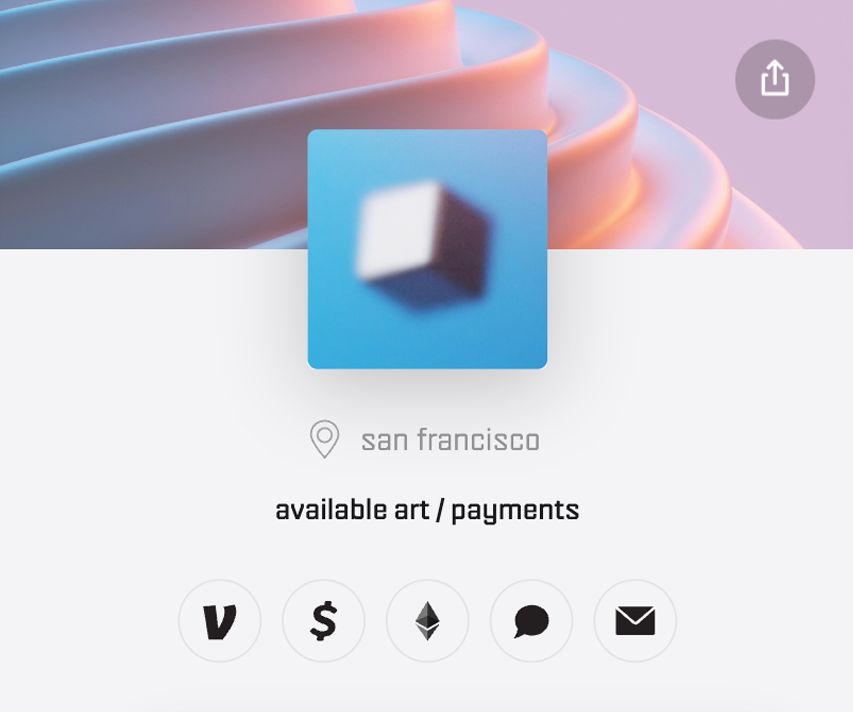
To hide your display name on your page, turn the Display Name toggle to the off position.

Additional Information
While using the Logo or Hidden options, the Display Name set in the top Profile section of the Page Editor will still be used as your page title for search engines, in browser tabs, and when shared on social media or messaging apps. We recommend setting a Display Name there, even when it is set to hidden or using a logo.